IslaApp User Guide
Everything you need to know about building, customizing, and publishing your website with IslaApp. Browse 125+ templates, customize with AI or the visual editor, and go live in minutes.
Getting Started
IslaApp is a template marketplace where businesses create professional websites using AI. Choose from 125+ industry-specific templates across 6 categories, customize them to match your brand, and publish with one click.
Sign Up for Free
Browse the Marketplace
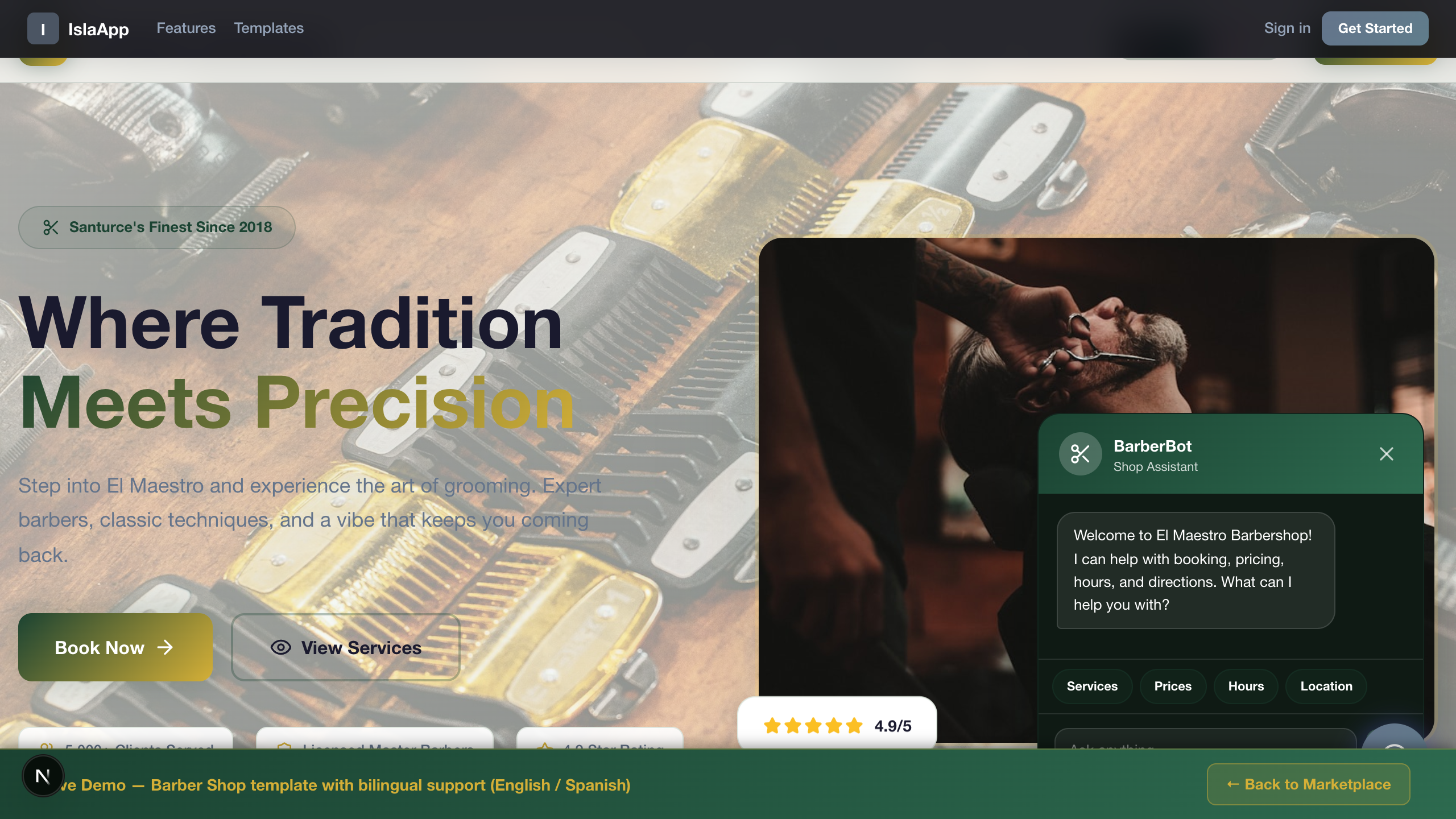
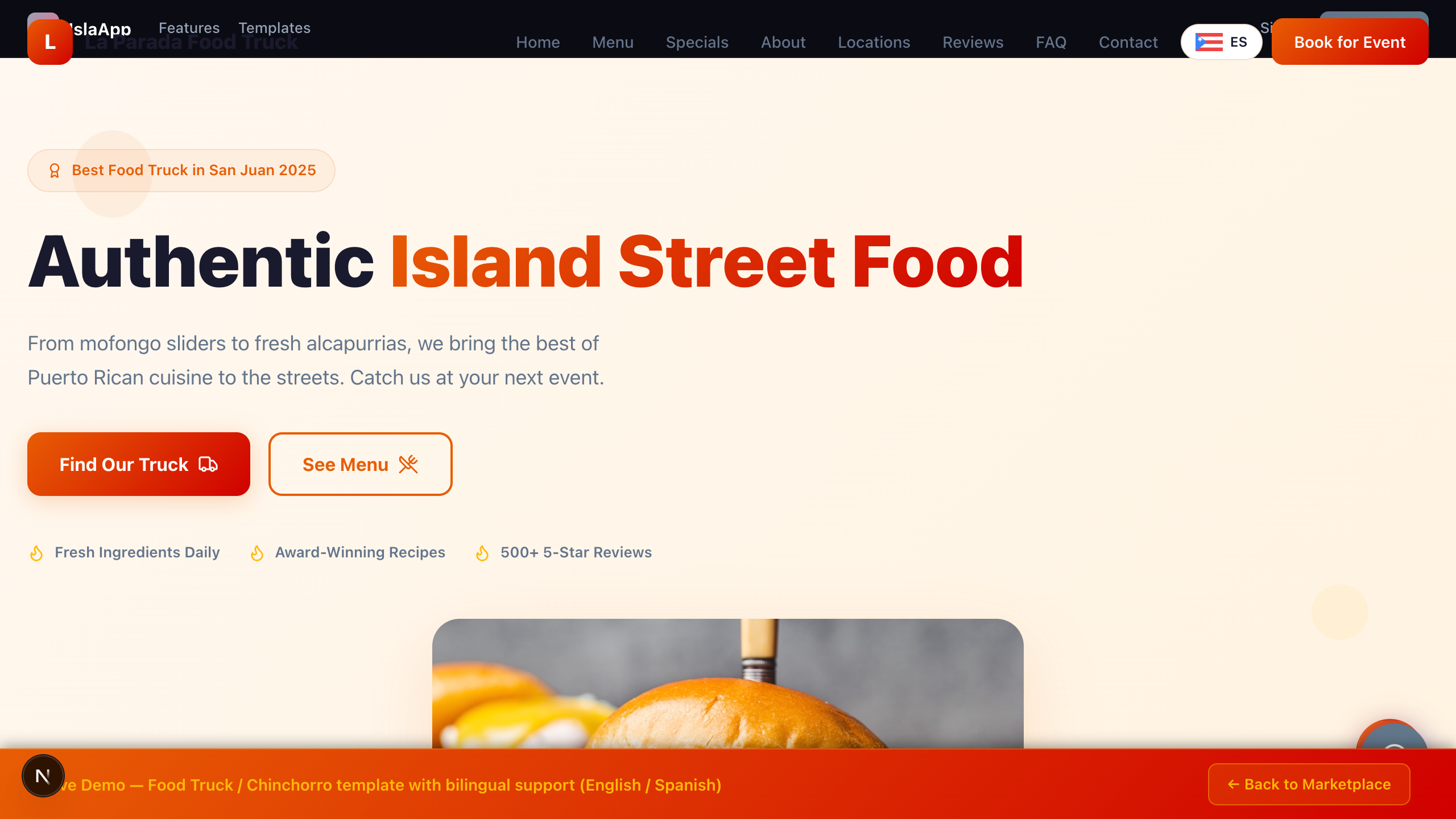
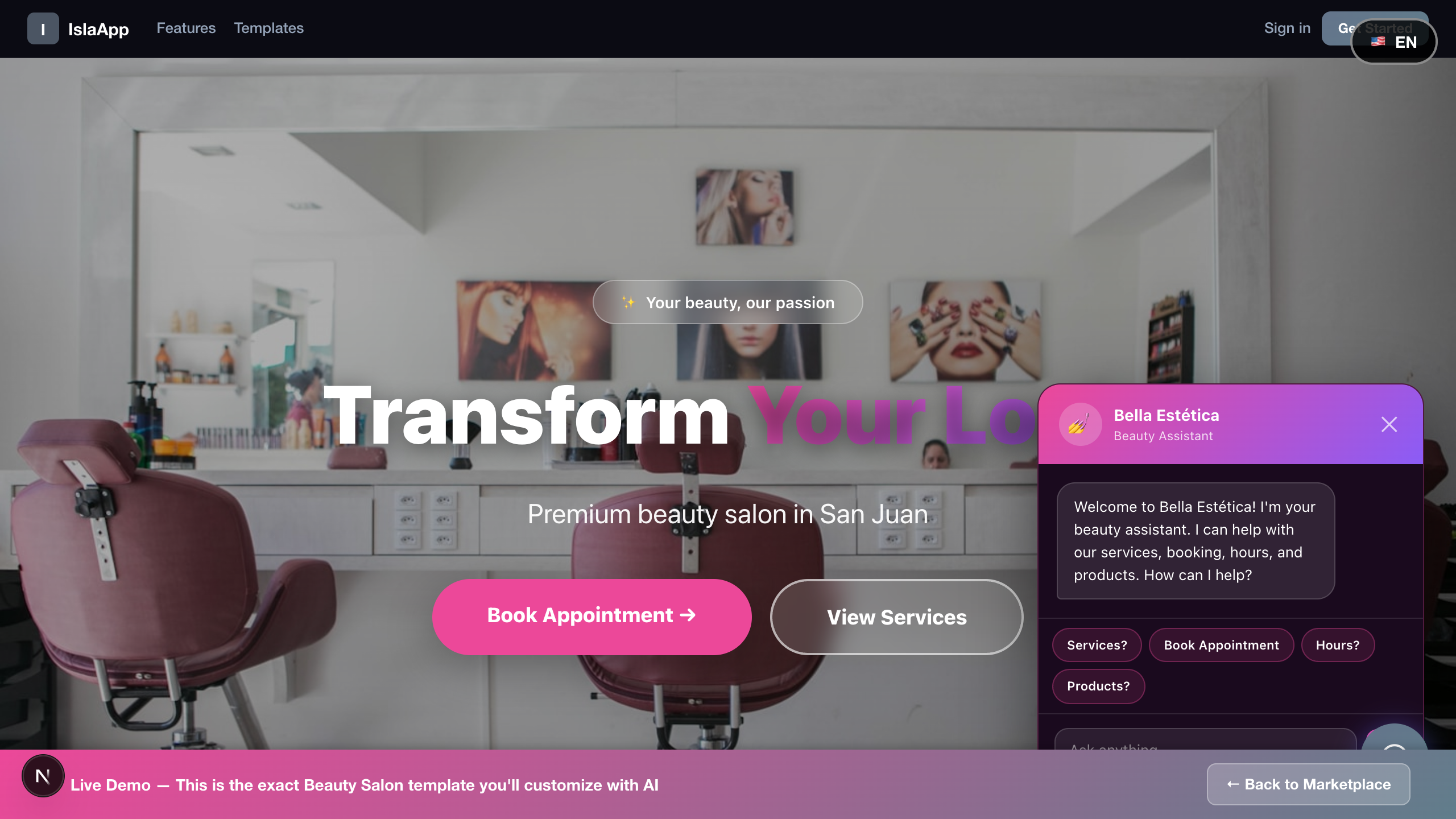
The marketplace features 125+ professionally designed templates across 6 categories: Food & Hospitality, Health & Wellness, Professional Services, Home & Local, Tech & Business, and Community & Events. Every template is free to preview.
Preview Any Template
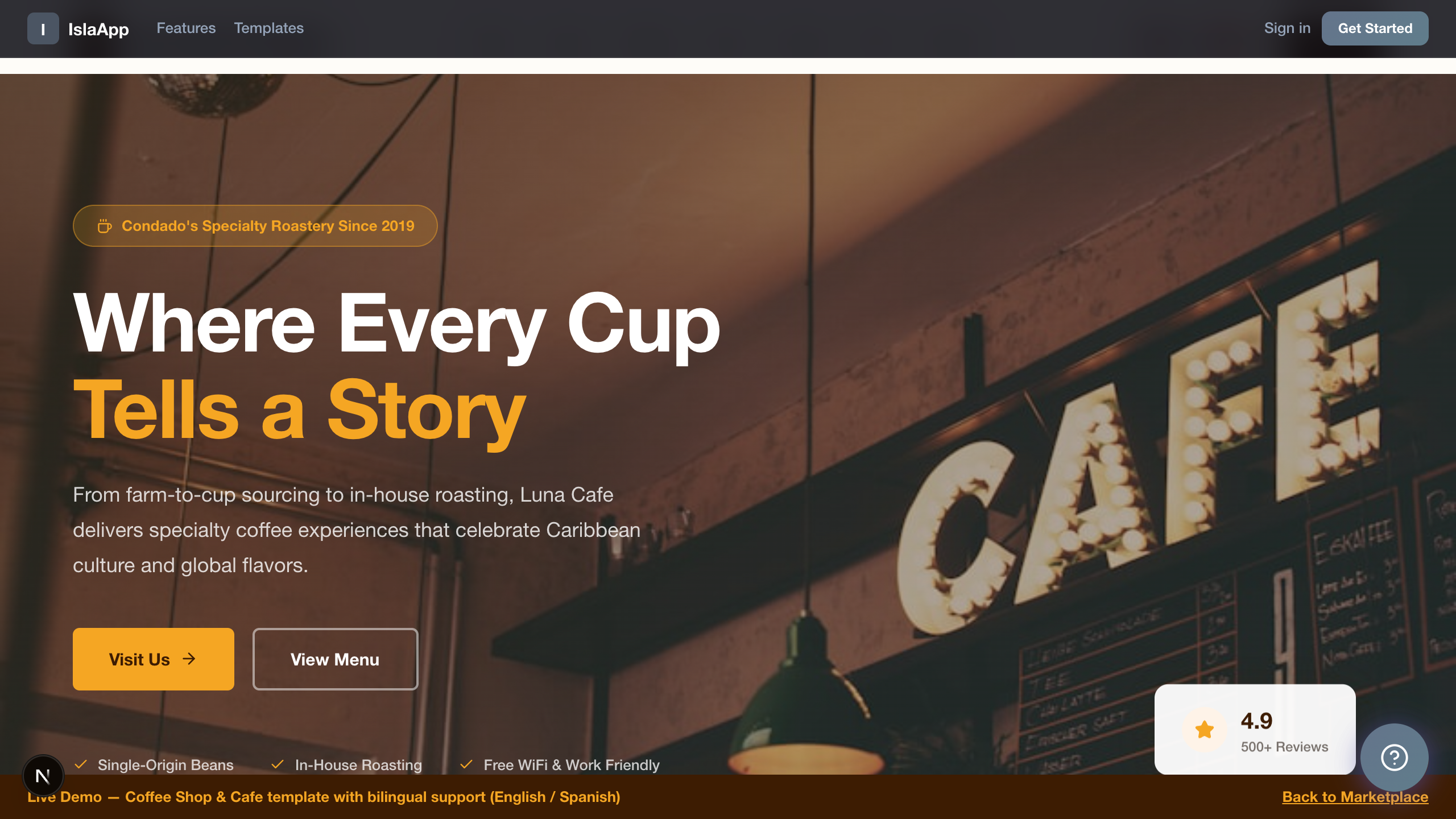
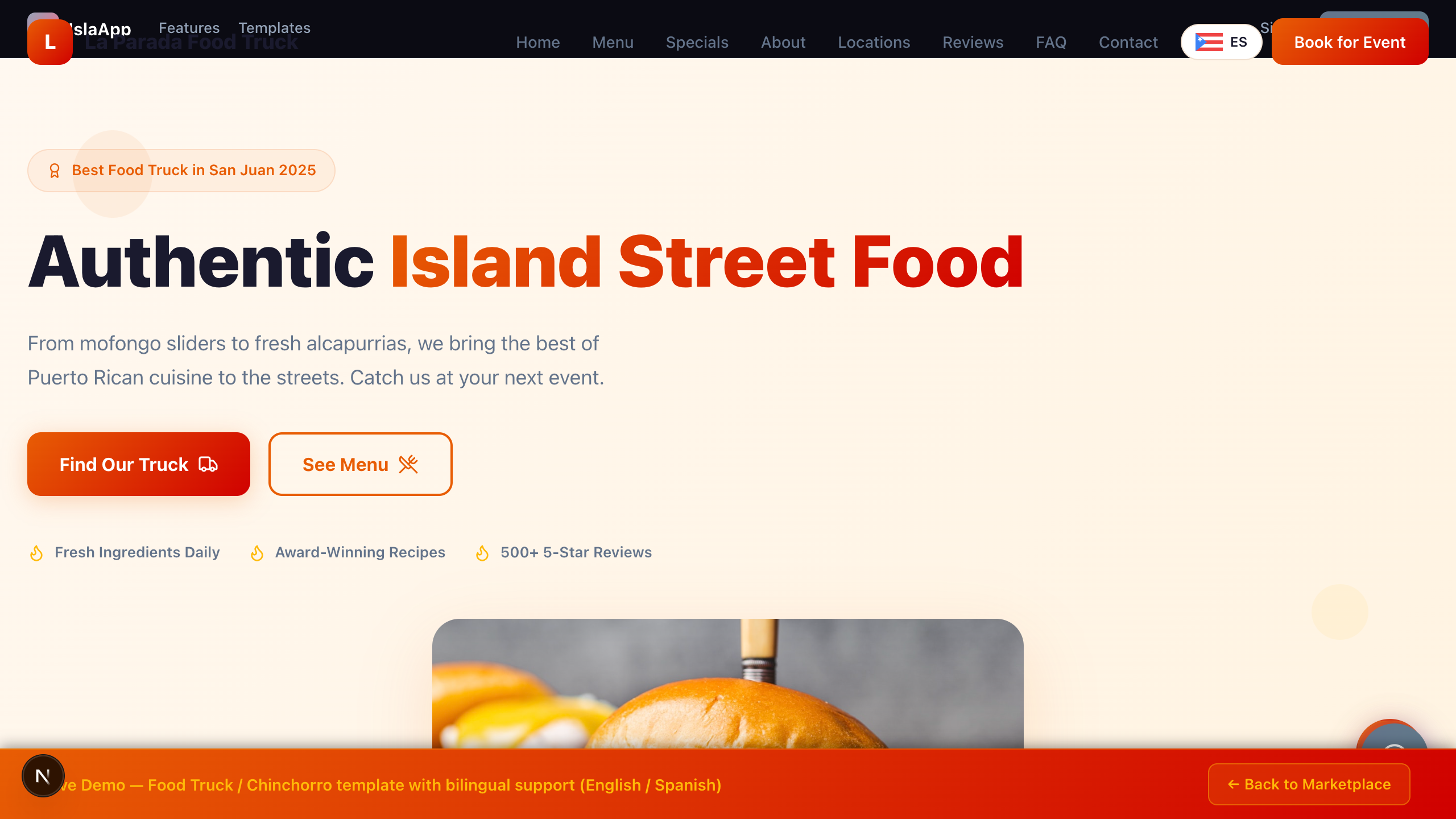
Click any template card to open a full live preview. Interact with it, check the layout on different devices, and see exactly what you will get. No account required for previewing.
Open the Editor
Click Get Started on any template to create your own copy and open the editor. From here, use the AI Customizer or Visual Editor to make it yours.
AI Customizer
The AI Customizer lets you modify your website by typing instructions in plain English or Spanish. Tell it what you want and the AI updates your template in seconds.
How It Works
Example Instructions
"Change colors to blue and gold""Rename my business to Bella Vista Salon""Add a testimonial section with 3 reviews""Update the phone number to (787) 555-1234""Make the hero image a beach sunset""Translate everything to Spanish"
Voice Input
Click the microphone icon next to the text box to dictate your changes. Speak naturally in English or Spanish and the AI will transcribe and execute your instructions.
Drag & Drop Images
You can drag and drop images directly into the AI chat. The AI will incorporate them into your template where appropriate.
AI Credits
Each AI change uses 1 credit. Save credits by combining multiple changes into a single instruction:
"Change the name to Bella Vista, make the color teal, and update the phone to 787-555-0000"
Undo & Credit Refund
If you don't like an AI change, click Undo in the toolbar. The change reverts and your credit is automatically refunded.
Visual Editor
The Visual Editor gives you point-and-click control over your template. Change colors, text, and images directly without using any AI credits.
Color Theme Panel
The color panel shows 6 color roles (primary, secondary, accent, background, text, muted) as large visual swatches. Click any swatch to open the color picker. Or pick a one-click theme preset from 8 options (Ocean, Sunset, Forest, Midnight, Rose, Slate, Amber, Violet) to change your entire color scheme instantly.
"What do you need?" Prompt
At the top of the Visual Editor is a free-text field where you can type any change in plain language — just like the AI Customizer, but right from the visual editor tab. Uses 1 AI credit.
Change Colors
Upload & Manage Images
You have three ways to replace images:
AI Image Generator
Generate images with DALL-E 3 directly in the editor (costs 2 credits). Describe the image you want → generate → drag the generated image onto any photo in the preview to replace it. You can also download it.
Toggle Sections
Reorder Sections
Double-Click to Edit
The fastest way to edit text: double-click any text in the preview to edit it directly. A text field appears right where you clicked, allowing you to type your changes inline.
Publishing Your Site
When your site looks ready, publishing takes just a few clicks.
mybusiness).Online Store (Commerce)
Add an online store to your website and start selling products and services. Available on Starter, Pro, and Business plans.
Setting Up Your Store
Payment Methods
Your store supports three payment methods. Set up one, two, or all three:
How Customers Order
Customers browse your products on your published site, click the product button, and choose their payment method — manual order, ATH Móvil, or credit card.
Managing Orders
ATH Movil Payments
Accept payments through ATH Movil, a popular mobile payment app. Your customers pay directly from their debit card.
Setup
How It Works for Customers
Credit Card Payments (Stripe)
Accept Visa, Mastercard, American Express, and more worldwide through Stripe.
pk_live_) and your Secret key (starts with sk_live_).QR Code Payments
Generate QR codes for your business. Print them, put them on your counter, or share them on social media so customers can pay or browse your store instantly.
Quick Pay QR
Store QR
AI Email & Marketing
Two ways to email your customers: set up automations that run on a schedule automatically, or send a one-time email manually whenever you want.
Automated Emails (Set & Forget)
Go to Dashboard → Commerce → AI Email tab. You'll see 5 ready-made automations to turn on with a toggle:
Flip the toggle → the card turns green → the automation runs on its own. Turn it off any time. You can also create your own custom automation by clicking ✏️ Custom Automation.
Send Once Now
"Send payment reminder to overdue members""Send a receipt to all customers who ordered today""Send a promotional email about our new menu items""Send a statement to members with outstanding balances"
Analytics
Track how your website is performing with built-in analytics.
What You Can See
How to Access
Plans & Pricing
IslaApp offers four plans to match your needs, from getting started for free to running a full business online.
- 20 AI credits
- 1 site
- Free subdomain
- Preview all templates
- 150 AI credits/mo
- Online store (10 products)
- ATH Movil payments
- QR codes
- Order management
- 400 AI credits/mo
- Online store (50 products)
- AI Email & Marketing
- Custom domain
- Remove IslaApp branding
- 1,000 AI credits/mo
- Unlimited products
- 3 sites
- Google Analytics (GA4)
- Priority support
Tutorials
Step-by-step interactive tutorials with voice narration. Click any tutorial to start learning.
Still have questions? Click the help button in the bottom-right corner or contact us at support@islaapp.tech